← All tools

Hardware · Bar widget

hyprmoncfg: Multi-Monitor Manager for Omarchy

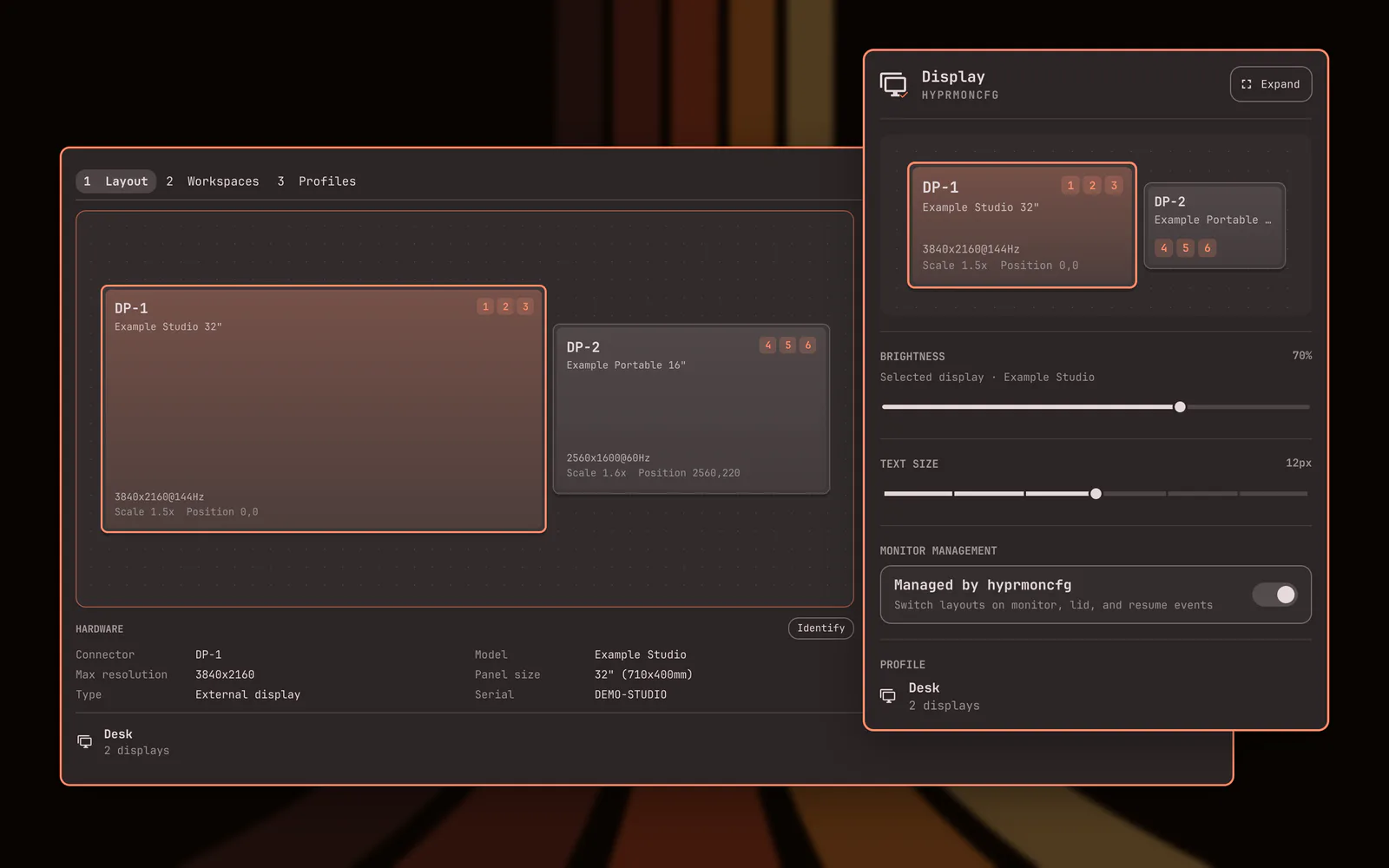
Plug your monitors in and the right layout comes back. Save a profile per setup and hyprmoncfg applies it automatically on hotplug, on lid open and close, and after suspend. Layout editor with per-display brightness, snapping, per-output scale and sharpness checking, HDR, wide gamut and ICC colour management, mirroring, rotation, and a workspace planner. Profiles match monitors by make, model and serial rather than the port they are plugged into, so moving a cable does not break your layout.

hyprmoncfg: Multi-Monitor Manager for Omarchy preview from the Omarchy plugin marketplace catalog

Install command

omarchy plugin add https://github.com/crmne/omarchy-hyprmoncfg.git --enable

Third-party plugins run unsandboxed. Read the manual before installing.

This listing is from site/catalog.json in omacom/omarchy-plugin-marketplace, generated 2026-10-15T23:04:52.187Z. The summary is that file’s description. Its verification status for this plugin is unverified.

The catalog’s stars field is 125. This page’s set is the installable GitHub listings in that file with a non-empty install command and a stars field of at least 40. Sorted by that stars field descending, then by name, this listing is 7.

The catalog addedAt for this listing is 2026-08-14.

The catalog preview image is assets/img/plugins/5-crmne-omarchy-hyprmoncfg-detail.webp. The image on this page is a local copy of that file.